Graphic Designer Guide: How to Become a Graphic Designer in 2026 — Skills, Tools & Career Path
July 7, 2026 · 8 min read · By Naveed Ahmad, CEO ithouse.tech
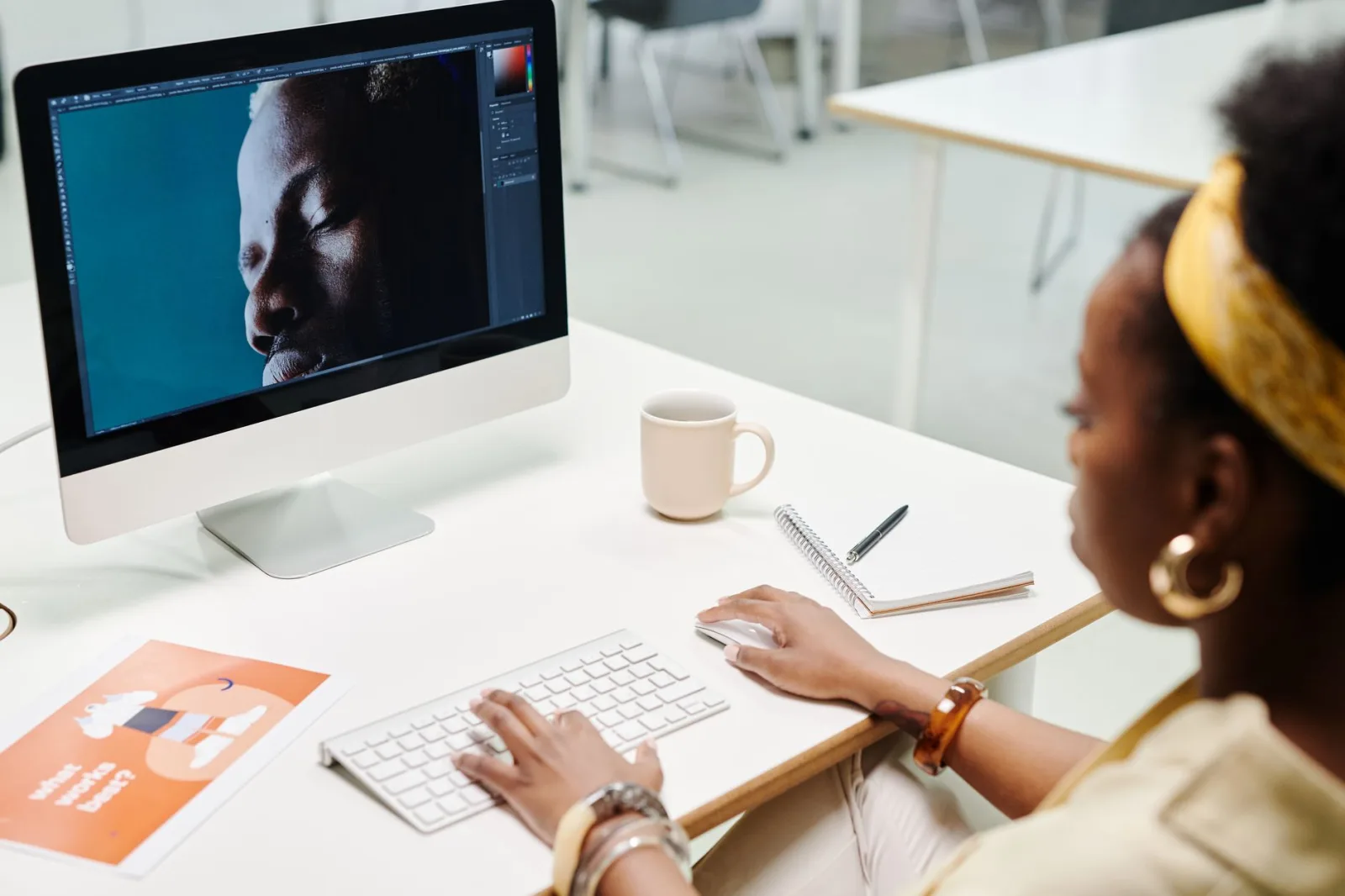
Becoming a graphic designer in 2026 looks nothing like it did five years ago. The field has evolved from pure desktop publishing into a hybrid discipline where design meets psychology, technology, and user experience strategy. If you're serious about pursuing this career, you need to understand both the fundamentals and the emerging AI-powered workflows that are reshaping how professional designers work.
This guide walks you through the practical steps to become a graphic designer, from foundational skills to landing your first clients or full-time role. We cover the tools you actually need (spoiler: not all of them), the portfolio pieces that actually convert opportunities, and how to position yourself in an industry where AI literacy is now table stakes. Whether you're making a complete career shift or refining existing design chops, this is what works in the real market right now.
Table of Contents
- What Does a Graphic Designer Actually Do?
- Essential Skills Every Graphic Designer Needs
- Must-Have Design Tools & Software
- Building Your First Graphic Designer Portfolio
- How AI is Transforming Graphic Design Work
- Education & Certification Paths
- Freelance Graphic Designer vs Agency Work
- How to Market Yourself as a Graphic Designer
- Frequently Asked Questions
What Does a Graphic Designer Actually Do?
Design is not just what it looks like and feels like. Design is how it works. — Steve Jobs
A graphic designer solves visual communication problems. That's the core of it. You take a business goal or message and translate it into visual form—logos, websites, packaging, social media assets, marketing materials, brand systems. The best graphic designers understand that every design decision supports a specific outcome, whether that's brand recognition, conversion, or user engagement.
The scope of a graphic designer's work has expanded dramatically. Ten years ago, the role was narrower: create ads, design print collateral, maybe a website mockup. Today, a professional graphic designer typically handles:
- Brand identity and visual systems (logo design, color palettes, typography guidelines)
- Digital interface design (UI/UX, web mockups, app screens)
- Content creation (social media graphics, video thumbnails, infographics)
- Marketing collateral (email templates, landing pages, promotional materials)
- Print design (brochures, packaging, business cards)
- Motion graphics and animation basics
What separates competent designers from exceptional ones is the ability to align visual choices with business strategy. A graphic designer agency worth its reputation doesn't just make things look pretty—they make design decisions that drive measurable results. Understanding your client's target audience, competitive landscape, and business objectives directly influences your design approach.
Essential Skills Every Graphic Designer Needs
You can learn software in weeks. Real graphic design skills take longer. The technical tools matter far less than the foundational capabilities that make you effective. Here are the non-negotiable skills that separate working designers from hobby designers:
Visual Hierarchy & Composition — The ability to guide a viewer's eye through a design in intentional order. This means understanding contrast, whitespace, alignment, and proportion. Without strong hierarchy, even beautiful individual elements fall apart as a cohesive design.
Typography Mastery — Most designers undervalue typography. Knowing how to pair fonts, adjust spacing, create readable line lengths, and use typeface personality strategically is what elevates work from amateur to professional. A design's effectiveness lives in typography as much as any visual element.
Color Theory & Psychology — Understanding color relationships, contrast ratios, accessibility standards, and how colors trigger psychological responses. Your color choices directly impact how people perceive and interact with your designs. This extends into understanding how colors perform across different devices and cultural contexts.
User Experience Thinking — Modern graphic designers can't ignore UX principles. When you're designing interfaces, marketing materials, or visual systems, thinking about how people actually use and interact with your work is critical. This requires research skills and empathy for end users.
Communication & Client Management — A significant portion of being a successful graphic designer is explaining your work, gathering requirements, presenting options, and handling feedback. The strongest designers are excellent communicators who can defend design decisions with rationale, not just intuition.
Problem Solving Under Constraints — Every real project has budget, timeline, and technical constraints. The ability to deliver excellent work within these real-world limitations is what separates professionals. This includes understanding production requirements, file formats, printing specifications, and platform-specific technical needs.
The Skills That Actually Matter
- Visual hierarchy guides viewer attention intentionally
- Typography is half of effective design
- Color psychology influences behavior and perception
- UX thinking is now mandatory for all designers
- Communication skills convert opportunities into clients
Must-Have Design Tools & Software
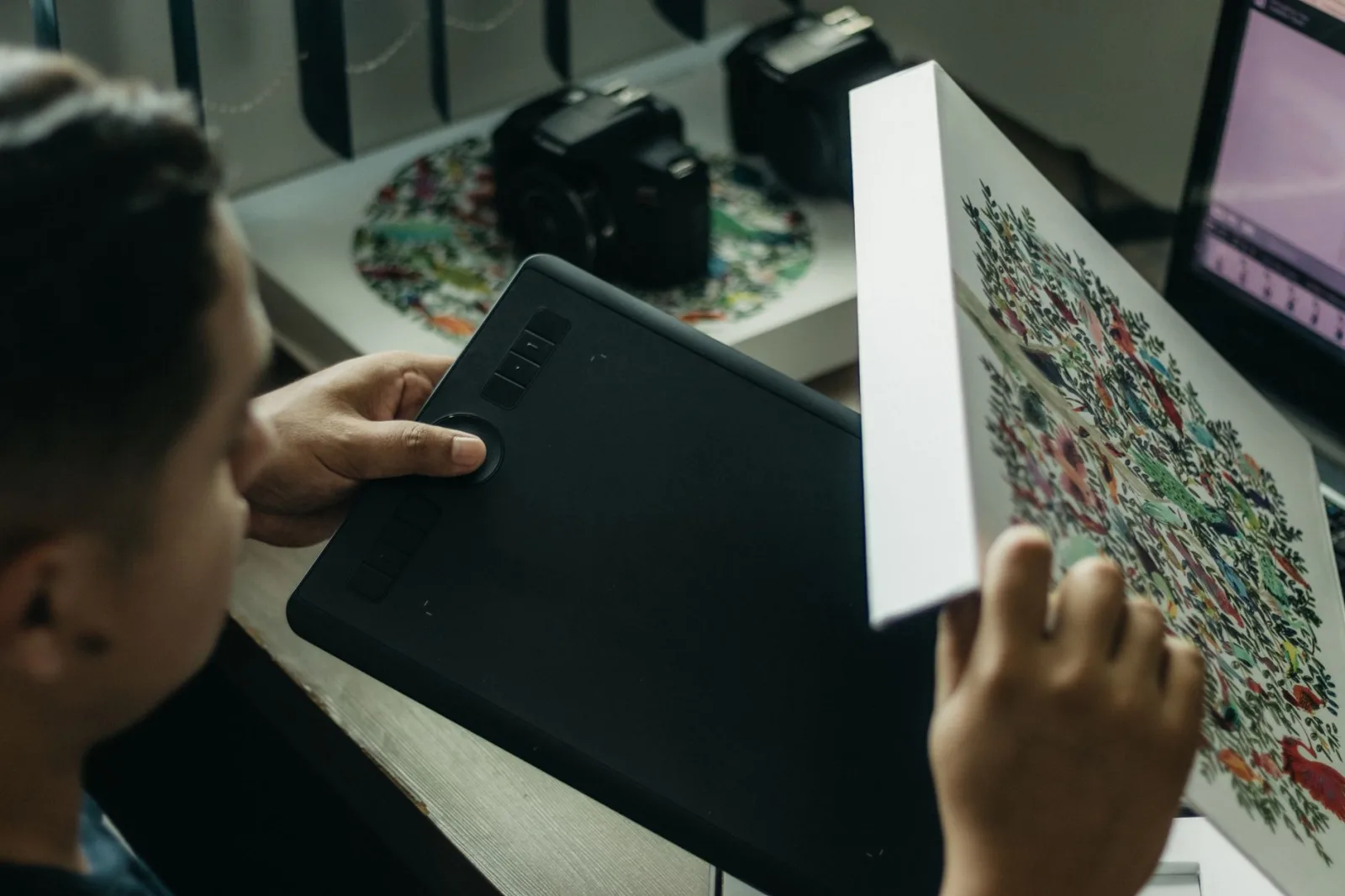
There's an overwhelming number of design tools available, and the temptation is to learn them all. Don't. Start with the industry standards, master them completely, then expand if specific projects demand it. A professional graphic designer in 2026 absolutely needs Figma, Adobe Creative Suite (or equivalent), and understands AI-assisted design workflows.
Figma is the modern standard for UI/UX design, prototyping, and collaborative design work. It's browser-based, version-controlled, and nearly every design job requires Figma proficiency now. The learning curve is gentle, and free accounts let you start immediately. If you're not proficient in Figma by 2026, you're already behind in the job market.
Adobe Creative Suite (Photoshop, Illustrator, InDesign) remains essential for professional work. Photoshop handles photo editing and complex raster work, Illustrator is the standard for vector graphics and logo design, and InDesign is necessary for multi-page layouts. Many freelancers and agencies still standardize on Adobe. The subscription cost is significant, but it's the industry standard for a reason.
AI-Assisted Design Tools are no longer optional. Adobe Firefly integrates directly into Creative Suite and handles background removal, generative fills, and asset creation. Tools like AI SEO optimization increasingly intersects with design—understanding how your visual work performs in search contexts matters. Learning to use AI tools strategically makes you significantly more productive and valuable to employers or clients.
Prototyping & Animation tools like Framer or Webflow are valuable if you're doing interactive design or motion work. For most starting-out graphic designers, these are secondary. Focus on foundational tools first.
The trap many designers fall into is thinking that learning more software makes them better designers. It doesn't. Learn Figma and one vector tool (Illustrator or Affinity Designer) thoroughly. Everything else flows from there.
Pro Tip: Start with free or affordable tools like Figma (free tier) and Affinity Designer ($70 one-time) before committing to Adobe's $55/month subscription. Prove you can design first, then upgrade your toolkit.
Building Your First Graphic Designer Portfolio
Your portfolio is your business card, resume, and sales pitch combined. A weak portfolio keeps you out of opportunities you're actually qualified for. A strong portfolio opens doors. This is where most aspiring graphic designers get stuck because they're waiting for paid client work before building a portfolio. That's backwards.
You need 5-8 strong portfolio pieces that demonstrate range and skill. These don't all need to be client work. Here's what actually works:
- Branding Projects — Complete brand identity systems showing logo, color palette, typography, and applied mockups. Even if fictional, show that you understand systems thinking.
- Digital Work — UI mockups, website designs, or app interfaces. This matters more than ever as digital work is where the jobs are.
- Case Studies — Pick 2-3 pieces and show your process. Include research, sketches, iterations, and the final work. Explain your decisions. This separates professionals from amateurs.
- Printed Collateral — At least one or two pieces showing you understand print requirements, color separation, and production constraints.
- Social Media Content — A series of coordinated posts or graphics demonstrating consistency and platform understanding.
The portfolio platform matters. A simple, clean website (built with web development principles in mind) works better than Behance or Dribbble alone because you own the presentation. Many hiring managers and potential clients check your website first. Make it fast, clean, and focused entirely on your design work. No blog posts, no rambling. Just your best work with clear case studies.
Quality beats quantity dramatically. Ten mediocre pieces damage your prospects. Five exceptional pieces with clear reasoning behind them get you opportunities. Choose pieces where you can explain the problem, your solution, and the impact (even if estimated).
Portfolio Strategy That Works
- 5-8 strong pieces beat 20 weak ones every time
- Include case studies explaining your process and decisions
- Show range: branding, digital, print if possible
- Build on your own site for complete control
- Quality production and presentation matters as much as the design
How AI is Transforming Graphic Design Work
The designer who adopts AI becomes 3x more productive. The designer who ignores AI becomes obsolete. There's no middle ground anymore.
AI is not replacing graphic designers. It's changing what graphic designers do and which designers remain competitive. The designers being displaced are the ones refusing to integrate AI into their workflow. The ones thriving are using AI as a tool that makes them faster, more versatile, and able to take on more complex strategic work.
Generative AI handles the work that used to eat 30% of a designer's time: background removal, asset generation, layout variations, color palette suggestions, and basic image editing. Tools like Adobe Firefly, Midjourney, and DALL-E 3 are production accelerators. A graphic designer who spends an hour manually creating 10 color palette variations can now generate 50 in minutes and curate the best ones.
The actual design work—the strategic thinking, the visual direction, the decision-making about hierarchy and messaging—that's still human work. And it's increasingly valuable. As routine production tasks get automated, the premium moves to strategic design thinking. This is why digital marketing agencies now want designers who understand business impact, not just software proficiency.
Learning AI tools is non-negotiable for new designers entering the field. You don't need to be an AI expert, but understanding prompt engineering, when to use generative tools vs. traditional design, and how to iterate on AI outputs is now baseline knowledge. Designers who position themselves as AI-literate have dramatically better prospects than those treating AI as a threat.

Education & Certification Paths
There is no single path to becoming a graphic designer. You don't need a degree. You don't need a certification. You do need a portfolio and demonstrable skills. That said, education accelerates your timeline significantly and gives you structure when you're just starting out.
Traditional Design Degree (BFA/BA) — A 4-year degree in graphic design or visual communication provides structured learning, critique from experienced instructors, internship opportunities, and credentials that some corporate roles still require. The downside: cost, time, and curriculum that's often 2 years behind industry practice. Most working designers say 20% of their degree education was directly applicable; the rest was foundational thinking and critique skills.
Bootcamp Programs — Intensive 12-16 week programs like General Assembly, CareerFoundry, or specialized design bootcamps teach contemporary tools and workflows. These cost $10k-$20k and produce portfolios immediately. They're highly effective if you have design fundamentals already or strong foundational art skills. Pure beginners sometimes struggle with the pace.
Self-Directed Learning — YouTube, Skillshare, Coursera, and Adobe's own tutorial library mean you can learn for under $500. This requires discipline, honest self-critique, and the ability to seek feedback from working designers. Many successful designers today are self-taught. The risk is spending hundreds of hours on inefficient learning paths or developing bad habits that take years to unlearn.
Hybrid Approach (Most Common) — Many designers combine online courses (Skillshare, LinkedIn Learning), structured bootcamps, and mentorship from working designers. This gives structure while staying current with industry practice.
Certifications like Adobe Certified Associate exist but carry almost zero weight in hiring decisions. Employers care about portfolio quality and demonstrated skills, not certificates. Focus your effort there.
The Reality: Most hiring managers look at portfolio quality first, educational background second. A phenomenal portfolio from any source (degree, bootcamp, self-taught) outweighs a mediocre portfolio from a prestigious program.
Freelance Graphic Designer vs Agency Work
Once you have portfolio-ready skills, you face a fork: pursue freelance graphic design work or join a design team at an agency or in-house role. Each path has real advantages and real constraints.
Freelance Graphic Designer Advantages: You control your schedule, rates, and project selection. Early on, you can charge competitive rates quickly (freelancers often earn $50-150/hour starting out). You work across diverse projects and industries, building faster skill growth. You keep 100% of your earnings (minus taxes and tools). The downside: unstable income, no benefits, constant client acquisition work, and the burden of project management, invoicing, and contracts falls entirely on you.
Agency or In-House Advantages: Stable salary and benefits. Collaboration with other designers means faster learning and feedback. Large projects with bigger budgets and impact. Career advancement paths. Professional mentorship is more available. You're not responsible for business development. The tradeoff: less creative control, potentially restrictive processes, lower individual compensation (especially starting out), and less schedule flexibility. You're also one of many designers, which can reduce visibility.
Most successful designers experience both. Start freelance to build portfolio velocity and learn business skills quickly, then move to agency or in-house work when you want stability and collaboration. Or the reverse—get trained in an agency environment, then go freelance with established skills.
If you choose agency work, seek out graphic designer agencies known for strong design culture and mentorship. The team you work with determines how fast you grow. A content writing team that collaborates with design, like at ithouse.tech, creates better holistic output and better learning environments.
The Work Environment Matters
- Freelance = autonomy + income instability + constant business development
- Agency = stability + collaboration + less creative control
- Early career: freelance accelerates skill-building through volume
- Mid-career: agency role provides mentorship and strategic exposure
- Most experienced designers have done both
How to Market Yourself as a Graphic Designer
You can be an exceptional designer and still struggle to land work. Marketing yourself is a skill as crucial as design itself. Too many talented designers underprice themselves, hide their work, or fail to articulate their value. Here's how professionals actually land opportunities:
Build an Owned Platform — Your website is non-negotiable. Not Instagram, not Behance as your primary platform. Your own site where you control presentation, narrative, and technical implementation. This demonstrates you understand search experience optimization and on-page SEO principles. Potential clients search for 'graphic designer near me' or 'brand designer' and find you because your site ranks.
Develop a Point of View — Most designers try to appeal to everyone. That's a recipe for attracting price-sensitive, difficult clients. Instead, develop a specific positioning: 'I design visual systems for B2B SaaS companies' or 'I specialize in sustainable packaging design.' Specificity attracts better-fit clients who value expertise and pay better rates.
Show Your Thinking — Write case studies. Write blog posts about design decisions that matter. Explain why you made specific choices. This demonstrates expertise and helps potential clients understand what you bring beyond execution. Content SEO principles apply to positioning yourself too.
Network Strategically — Attend design conferences, join design communities online, partner with complementary professionals (copywriters, developers, strategists). Many design opportunities come through referrals from other professionals who recognize your work quality.
Price Like a Professional — Underpricing is the most common mistake new designers make. It signals that your work isn't valuable and attracts clients who prioritize cost over quality. Research market rates for your experience level and location. Price by project value, not hourly rate when possible.
Specialize in Something Valuable — Whether it's technical SEO implementation in design, e-commerce SEO design, or designing for accessibility, having a specialized expertise that's in demand increases your rates and reduces competition dramatically.
The marketing challenge: Most designers compete on price because they haven't communicated unique value. The solution: develop expertise in a specific area (B2B design, SaaS interfaces, accessibility) and position heavily there. Specialists earn 2-3x more than generalists.
Becoming a graphic designer isn't a single destination—it's an ongoing evolution. The foundations (understanding visual hierarchy, typography, color, and user experience) never change. But the tools, the industries needing design, and the expected competencies shift constantly. In 2026, a professional graphic designer combines classical design thinking with AI literacy, understands web constraints and digital-first design, can articulate strategic value beyond aesthetics, and has built a portfolio that proves capability in their chosen niche.
The barrier to entry is lower than ever. You can learn legitimate skills in weeks. But the competition is also fiercer because entry is low. What separates successful graphic designers from hobbyists is strategic positioning, continuous skill development, and the business acumen to market yourself and manage client relationships effectively.
If you're building a design career, focus first on portfolio quality and foundational skills. Build in public—show your work, share your thinking, and develop a specific point of view about design. Specialize in something valuable. Learn to use AI as a production accelerator. Price based on value, not desperation. And remember that design's ultimate purpose is solving business or communication problems, not creating beautiful things. That mindset alone puts you ahead of most designers competing in your market.