Video Editing for Australian Small Business Marketing: The Complete 2026 Guide
July 20, 2026 · 8 min read · By Naveed Ahmad, CEO ithouse.tech
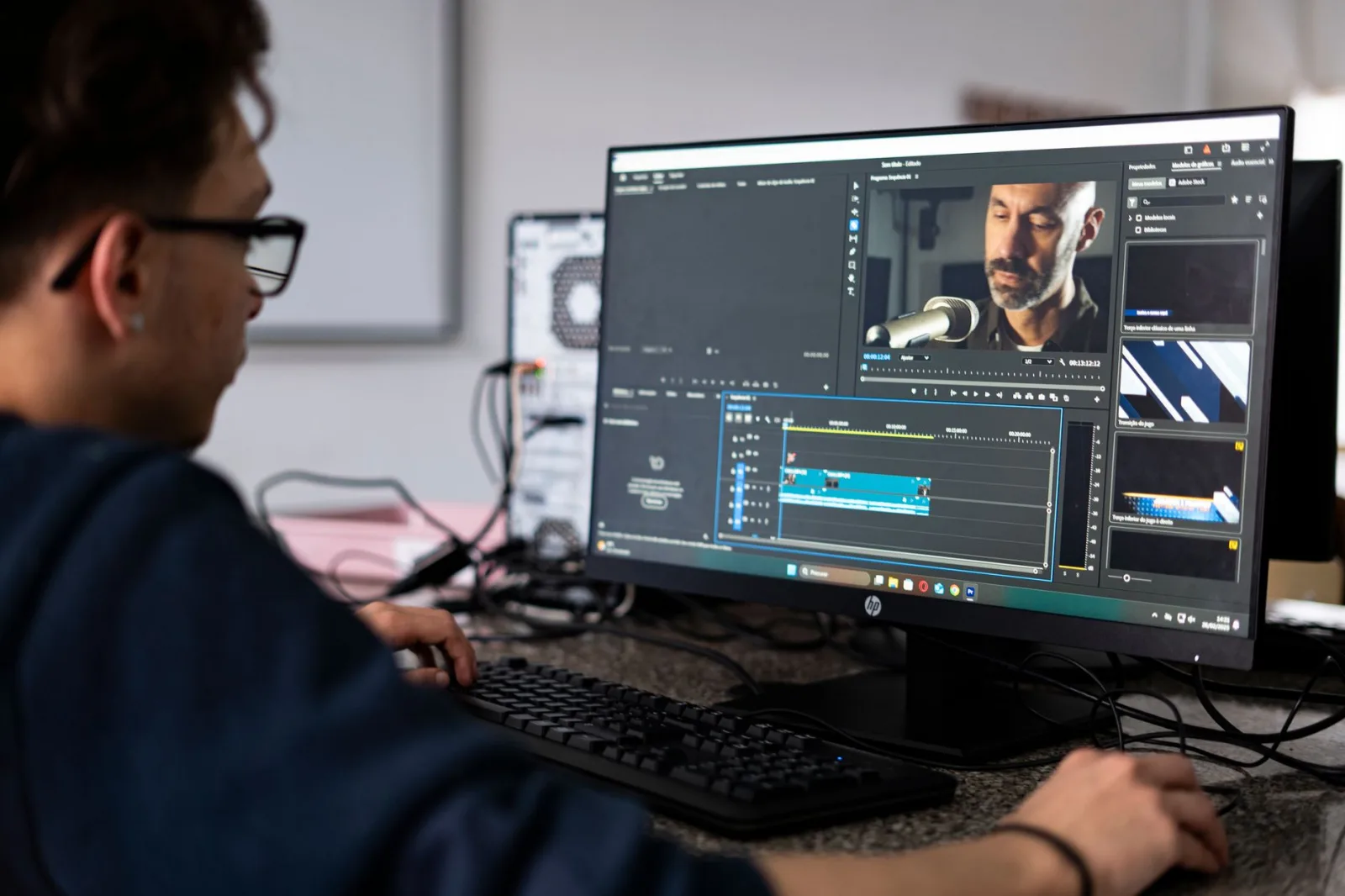
Video editing for Australian small business marketing is no longer optional — it's essential. Over 87% of Australian SMEs now rely on video content to reach customers, yet many lack the skills or budget for professional production. This guide shows you exactly how to create compelling video content in-house, save money, and rank better online.
Whether you're editing product demos, customer testimonials, or social media clips, the right approach and tools can transform your marketing results. We'll walk you through DIY video editing for marketing, cost-effective video production strategies, and the exact workflow successful Australian businesses use to cut through the noise and build trust with their audience.
Table of Contents
- Why Video Editing Matters for Australian Small Businesses
- DIY Video Editing vs. Professional Production
- Essential Video Editing Tools for SME Marketers
- Your First Video Editing Workflow: Step by Step
- Optimizing Videos for Australian Social Platforms
- Cost-Effective Video Production Strategies
- Common Video Editing Mistakes Australian SMEs Make
- Measuring Video Content Performance
- Frequently Asked Questions
Why Video Editing Matters for Australian Small Business Marketing
Video marketing generates 1200% more shares than text and images combined — and it starts with smart editing.
Video editing for Australian small business marketing directly impacts how your message lands. Raw, unedited footage loses viewers fast. Professional editing — pacing, transitions, sound design, captions — keeps people watching and sharing.
Australian SMEs benefit most when video editing is paired with smart distribution. Digital marketing strategy teams know that a well-edited 30-second explainer gets more traction than a rambling 5-minute phone-camera clip. The math is simple: better editing equals higher engagement, more leads, and lower cost per acquisition.
Why Australian businesses are investing in video editing
Your competitors are already doing it. Video content ranks higher in Google Search, appears in AI Overviews, and dominates social feeds. When you edit your own videos instead of going silent, you signal to both algorithms and humans that your business is active and professional.
Video also builds emotional connection. A customer testimonial or behind-the-scenes edit humanizes your brand in ways text never can. For Australian SMEs targeting local markets, this trust-building is gold.
Why Video Editing Matters
- Edited video outperforms raw footage by 3x in engagement
- Video content ranks better in Google and AI Overview results
- Captions and pacing directly impact viewer retention
- DIY editing lets you control cost and publishing speed
DIY Video Editing vs. Professional Production for SME Video Content
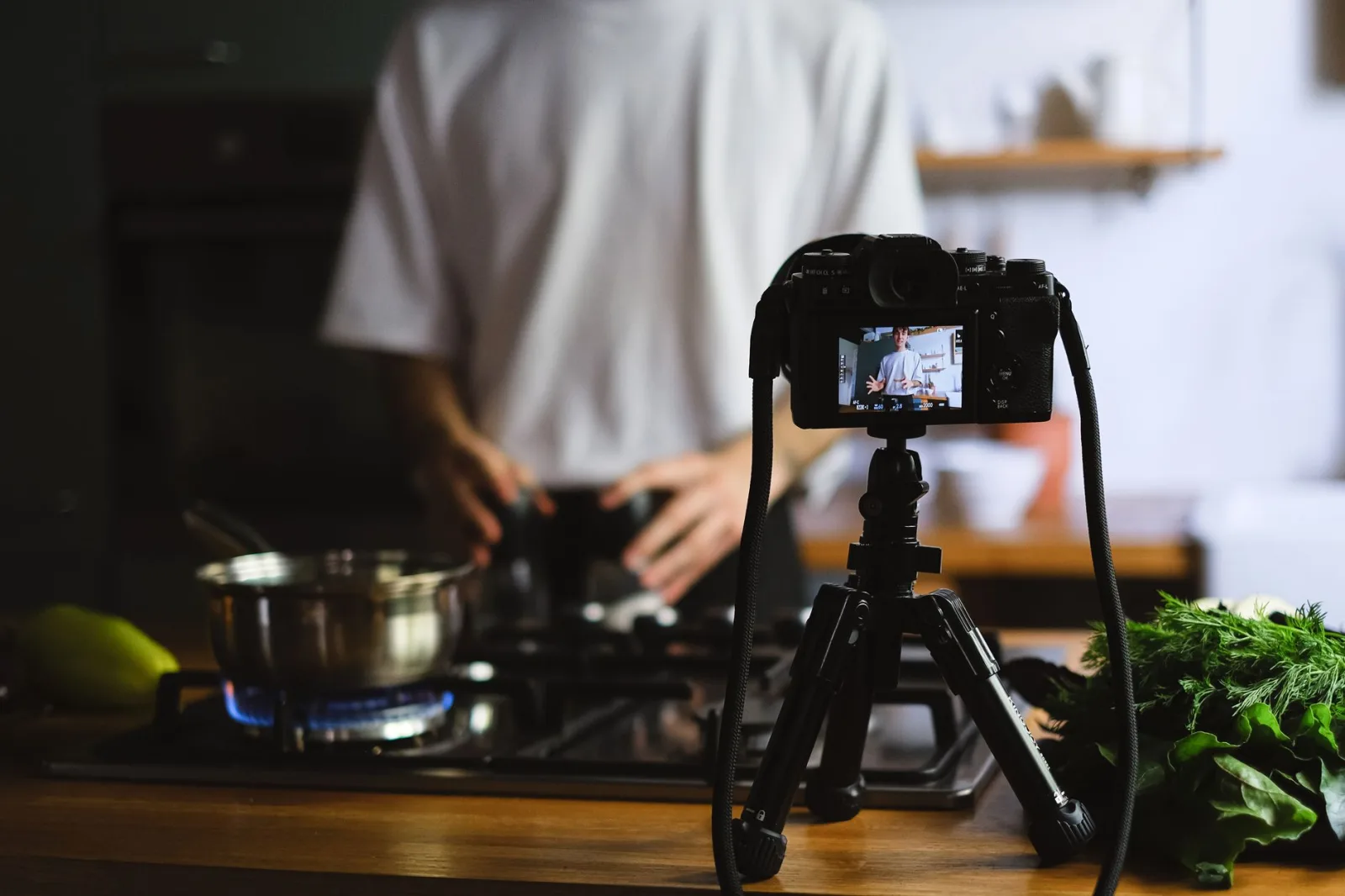
DIY video editing for marketing makes sense for Australian SMEs on tight budgets. Professional editing agencies charge AUD 500–2,000+ per video. DIY tools let you edit 4–5 videos per month for the cost of one professional edit.
The trade-off is your time. DIY editing works best for simpler content — social clips, testimonials, product shots. Complex multi-scene videos or broadcast-quality promos still benefit from professional hands.
Cost and quality comparison
| Approach | Cost per Video | Turnaround | Best For | Skill Level |
|---|---|---|---|---|
| DIY (modern tool) | AUD 0–50 | 1–5 days | Social, testimonials, shorts | Beginner–intermediate |
| Semi-professional (freelancer) | AUD 150–500 | 3–7 days | Brand videos, launches | Professional |
| Agency production | AUD 1,000–5,000+ | 2–4 weeks | Campaigns, ads, premium | Professional team |
Many Australian SMEs use hybrid: DIY for quick social content, freelancer or agency for flagship campaigns. This keeps costs low while maintaining quality when it matters most.
Budget-conscious Australian SMEs: Combine DIY editing for 80% of content with professional help for 20% of hero campaigns. This hybrid model saves money while keeping your brand looking sharp.
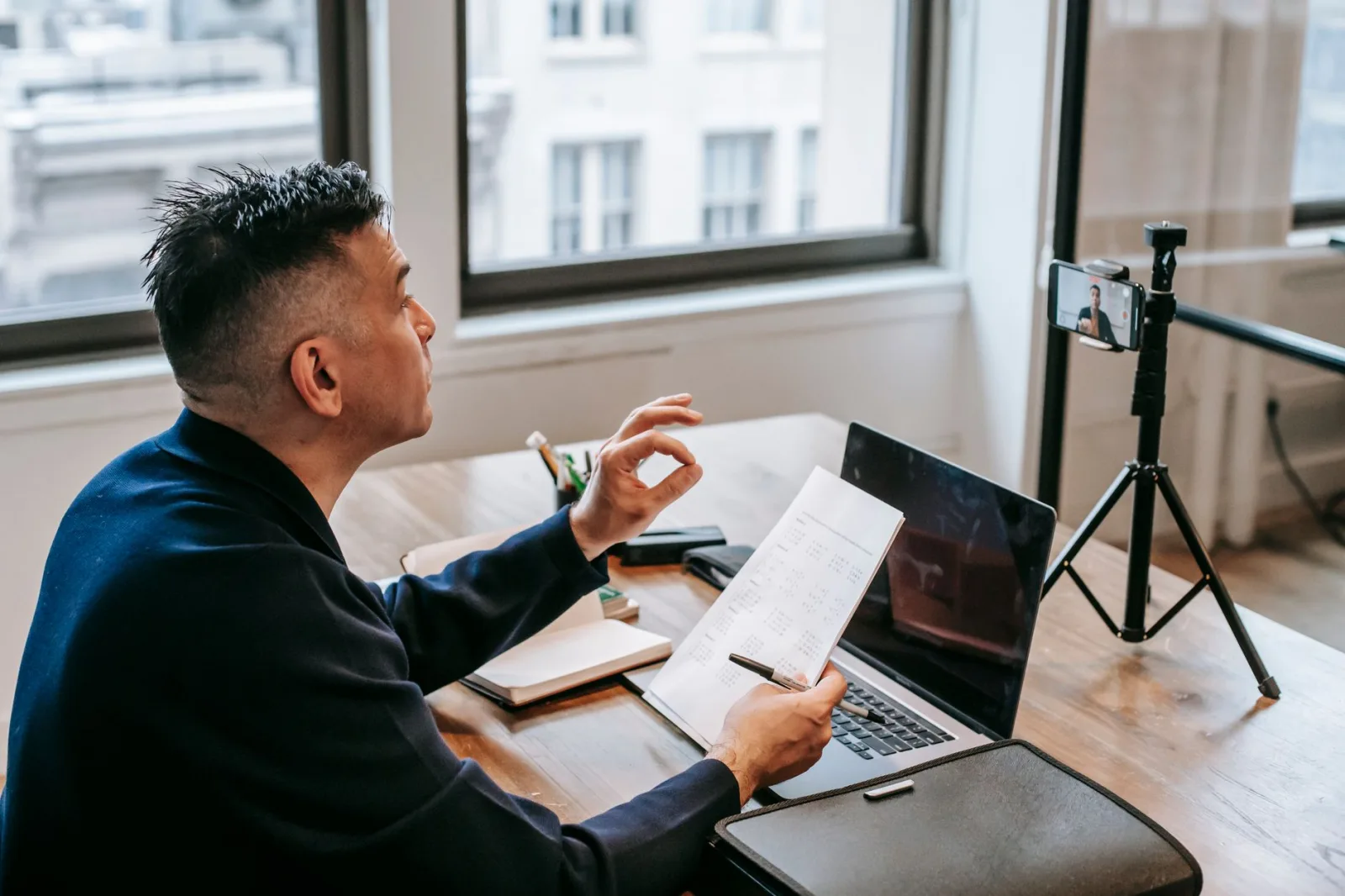
Essential Video Editing Tools for SME Video Content Creation
You don't need expensive software to start video editing for Australian small business marketing. Modern free and low-cost tools rival industry standards from five years ago.
Best tools for Australian SME video editors
- DaVinci Resolve (Free version) — Professional-grade color grading, audio, and effects. Industry standard. Zero cost. Ideal for serious SME teams.
- CapCut (Free) — Fast, mobile-friendly, template-rich. Perfect for social shorts and quick edits. Huge in Australia right now.
- Adobe Premiere Rush (AUD 12/month) — Cloud-based, cross-device. Simple interface, excellent for beginners.
- Filmora (AUD 7–15/month) — Stock footage library included, intuitive timeline, strong for SME video content Australia-wide.
- Shotcut (Free) — Open-source, powerful, steep learning curve. Best for technical users.
Most Australian SMEs start with CapCut or Premiere Rush, then graduate to DaVinci Resolve as their skills grow. All can output professional-looking 1080p and 4K video.
Pair your editing tool with search experience optimization principles: optimize video metadata, captions, and descriptions for SEO and AI discovery.
Tool Selection Strategy
- Start free: DaVinci Resolve or CapCut cover 95% of SME needs
- Consider cloud sync if editing on multiple devices
- Built-in stock footage and templates save production time
- Most tools cost under AUD 20/month — negligible vs. outsourcing
Your First Video Editing Workflow: Step by Step
New to video editing for Australian small business marketing? Follow this straightforward workflow to get your first video done in under 2 hours.
Step-by-step video editing process
- Organize footage and assets: Create a project folder. Sort clips by scene, angle, or take. Rename files clearly ('Interview-Part1-Take2.mp4'). Add any graphics, music, or B-roll you'll need.
- Create a rough timeline: Drag all clips into your editing software in logical order. Don't worry about perfection. Just build the skeleton of your video.
- Trim and cut: Remove silence, mistakes, and weak moments. Tight editing feels professional. Most videos should trim 30–50% of raw footage.
- Add transitions and effects: Use subtle transitions (cross-fade, not spinning logos). Add lower-thirds for speaker names. Keep effects minimal — they distract from your message.
- Color and audio: Adjust color balance so all clips look consistent. Normalize audio levels so viewers don't jump volume. Add background music at 30% volume under dialogue.
- Add captions and titles: This is mandatory for Australian SME video content. 60% watch muted. Captions also improve SEO and accessibility.
- Export and test: Export as H.264 MP4 at 1080p 30fps. Test on mobile. Check audio sync, caption readability, and overall pacing.
- Optimize metadata: Add descriptive title, tags, and description before uploading. Include keywords like 'video editing for Australian small business marketing' where natural.
This workflow works for testimonials, product demos, behind-the-scenes clips, and educational content. Once you've done it twice, you'll cut the time in half.
Pro tip: Always shoot with editing in mind. Wide shots, close-ups, and cutaway B-roll give you flexibility in the edit suite. Footage shot for editing is 3x easier to work with than single-angle recordings.
Optimizing Videos for Australian Social Platforms
Videos with captions and transcripts get 40% more views and rank higher in search. For Australian SMEs competing locally, this is an unfair advantage.
Video editing for Australian small business marketing means tailoring each video to the platform where it'll live. Instagram Reels, TikTok, YouTube, and LinkedIn all have different specs and viewer behavior. One-size-fits-all doesn't work.
Platform-specific optimization guide
| Platform | Format | Length | Captions | Best Content |
|---|---|---|---|---|
| Instagram Reels | 9:16 vertical | 15–90 sec | Burned-in required | Trends, tutorials, behind-scenes |
| TikTok | 9:16 vertical | 15–60 sec | Burned-in recommended | Trending audio, quick tips, humor |
| YouTube | 16:9 horizontal | 8+ minutes | SRT file + burned-in | In-depth tutorials, testimonials |
| 16:9 or 1:1 | 30–120 sec | Preferred | Professional insights, case studies | |
| 1:1 or 4:5 | 30–180 sec | Burned-in best | Community posts, events, promotions |
Australian SMEs often shoot one master edit, then create platform versions by cropping and re-exporting. DaVinci Resolve and Adobe Premiere Rush make this easy with multi-format export.
SEO and metadata optimization
Video editing for Australian small business marketing isn't just visual — it's also about making your video discoverable. Content SEO applies to video too.
- YouTube: Include target keywords in title and description. Add chapters (timestamps) to improve user experience and indexing.
- Transcript: Upload an SRT caption file. YouTube auto-generates transcripts, but manual ones rank better and help people with hearing loss.
- Structured data: Use schema markup (VideoObject) so Google and AI systems understand your video's topic, duration, and thumbnail.
- Thumbnail: Create custom thumbnails with high contrast and readable text. Thumbnails affect click-through rate by 30–50%.
Cost-Effective Video Production Strategies for Australian SMEs
Professional video production in Australia costs thousands. Cost-effective video production strategies let you create hundreds of videos for the same budget. It's about working smarter, not spending more.
Budget-friendly production hacks
- Batch shoot: Film 4–8 videos in one session. Change backgrounds or props between takes. One 2-hour shoot yields 2–3 months of content.
- Phone camera: Modern iPhones and Android flagships record 4K video that looks professional. Invest AUD 50 in a tripod and ring light instead of a camera.
- Free stock footage: Unsplash, Pexels, Pixabay, and Coverr offer free video clips. Splice these into your edits for visual variety without shooting everything yourself.
- AI voiceovers: Tools like Google Play's Text-to-Speech or Elevenlabs cost AUD 10–20/month. No need to hire voice talent for explainers and tutorials.
- Template-based editing: CapCut and Filmora come with 1,000+ templates. Customize them with your footage and graphics in 30 minutes. Legitimate, professional-looking, fast.
- Outsource strategically: Handle simple cuts and captions yourself. Hire a freelancer for color grading or motion graphics on your hero content only.
Many Australian SMEs produce 50+ videos per year using these tactics and spend less than AUD 2,000 total. That's AUD 40 per video — impossible at any production agency.
Graphic design services can extend your budget further by creating custom intros, animated text, and branded templates that you can reuse across dozens of videos.
Real example: An Australian accountancy firm created 40 tax-tip videos in one day. Cost: AUD 50 (lighting) + 4 hours (editing at home). Results: 15,000 YouTube subscribers in 6 months. This is the power of consistent, edited video content.
Cost Savings Checklist
- Batch shooting reduces per-video time by 60%
- Free stock footage eliminates expensive B-roll shoots
- Phone cameras + basic lighting beat entry-level video cameras
- Reusable templates speed up editing by 50%+
Common Video Editing Mistakes Australian SMEs Make
Experience teaches fast when you see what doesn't work. Here are the mistakes we see Australian SME video editors make repeatedly — and how to avoid them.
Mistake 1: No captions or subtitles
60% of viewers watch video muted. No captions = half your audience drops off immediately. Always burn captions into your video or upload SRT files. This is non-negotiable for video editing for Australian small business marketing in 2026.
Mistake 2: Terrible audio quality
Poor audio tanks engagement faster than poor visuals. Invest AUD 30 in a basic lavalier microphone. Edit audio levels so dialogue is consistent. Add subtle background music at 25–30% volume. Viewers forgive bad video; they don't forgive bad audio.
Mistake 3: Editing too slowly
Pacing kills half of YouTube videos. Cut silence. Remove 'umms' and 'ahhs'. Trim weak moments. Your 10-minute interview should become a 4-minute edit. Tighter edits = higher retention rates = better algorithm ranking.
Mistake 4: Inconsistent color and branding
One clip looks warm, the next is blue. Inconsistency screams amateur. Use color grading presets. Keep logos and lower-thirds identical across videos. Build a consistent look that makes your SME video content instantly recognizable.
Mistake 5: Ignoring analytics
Upload video, then ignore the data. You won't know if captions helped or if a certain format performed better. Check YouTube analytics, TikTok insights, and Instagram metrics weekly. Let data guide your next edit.
Mistake 6: Uploading without SEO optimization
An unseen video is a wasted video. Include keywords naturally in titles, descriptions, and tags. Create custom thumbnails. Write compelling first-line descriptions. AI SEO & GEO strategies now recognize video content — optimize it like you would blog text.
Measuring Video Content Performance and ROI
You can't manage what you don't measure. Australian SMEs that track video metrics see 40% better ROI than those who just upload and hope.
Video editing for Australian small business marketing must deliver measurable results. If you can't track impact, you can't improve. Here's what successful Australian SMEs measure.
Key metrics for video content
- View-through rate (VTR): What % of people who start watching finish the video? YouTube, TikTok, and Instagram all show this. Target 50%+ for social, 25%+ for YouTube long-form.
- Engagement rate: Likes, comments, shares, saves. High engagement signals YouTube and TikTok to promote your video further. Aim for 5%+ on TikTok, 3%+ on Instagram.
- Click-through rate (CTR): If your video includes a link or CTA, track how many viewers click. Aim for 2–5%. Poor CTR means your call-to-action isn't clear or compelling enough.
- Conversion rate: How many video viewers become customers? This is the number that matters most. Use UTM parameters or unique discount codes to track conversions from specific videos.
- Cost per acquisition (CPA): Divide total video production cost by conversions. If you spent AUD 500 on a video and it generated 10 customers, your CPA is AUD 50. Compare this to your PPC and social ad CPA.
Tools for tracking video performance
YouTube Analytics, TikTok Creator Center, Instagram Insights, and LinkedIn Analytics are free and built-in. For deeper insights, CRO services teams often integrate video tracking with GA4 and heatmap tools to understand user behavior after the video ends.
Australian SMEs using video editing for marketing should review metrics weekly. Identify your best-performing videos and edit more like them. Kill formats that underperform. This iterative approach compounds over time — by month 6, your video content will be 3x more effective than month 1.
Measurement Framework
- Track view-through rate to understand editing pacing and retention
- Measure engagement separately from vanity metrics (views alone mean nothing)
- Use UTM codes and promo codes to connect video views to actual sales
- Review analytics weekly and adjust your editing strategy based on data
Advanced Editing Techniques for Professional SME Video Content
Once you're comfortable with the basics, these advanced techniques take your video editing for Australian small business marketing to the next level without requiring professional-grade equipment.
Techniques that elevate your edits
- J-cuts and L-cuts: Let audio from the next scene play over the tail of the current scene (or vice versa). This feels organic, not choppy. Industry standard, easy to execute.
- Layered audio: Dialogue, background music, sound effects, and ambient room tone all at different volumes. Proper layering makes amateur footage sound professional.
- Motion graphics: Simple animated text or arrows highlighting key points. Keeps viewers engaged. Tools like Adobe Animate or even Keynote can create these cheaply.
- Multi-camera editing: If you filmed from two angles, cut between them on action. Viewers don't see the camera switch — they see a smooth, dynamic edit.
- Speed ramping: Slow-motion on important moments, normal speed for transitions, fast-forward for repetitive tasks. Creates visual interest without cheesy effects.
These techniques are free or near-free in DaVinci Resolve, and they're what separate 'good' edits from 'wow' edits. Learn one per week, and in two months you'll have a complete advanced skill set.
Learn from the best: Study how major YouTube channels edit. Pause and note their pacing, transitions, and graphics. Apply one technique to your next edit. Free education that translates directly to your SME video content.
Video editing for Australian small business marketing isn't a luxury anymore — it's essential infrastructure for reaching customers and ranking in Google. With free or low-cost tools, a simple workflow, and a few editing fundamentals, your Australian SME can produce professional-looking video content every single week.
The SMEs winning right now combine smart batching, reusable templates, and data-driven iteration. They understand that captions, tight editing, and platform-specific optimization matter more than fancy effects. They measure what works and double down on it.
Your video editing for Australian small business marketing journey starts with one video. Pick a simple format — a customer testimonial, a 90-second product demo, or a behind-the-scenes clip. Edit it using the workflow we covered here. Upload it with captions and SEO optimization. Measure the results. Then do it again next week, slightly better.
If you want to accelerate this process and combine video strategy with broader digital marketing efforts, reach out to ithouse.tech for a free consultation. We've helped 500+ Australian businesses integrate video into their content, SEO, and conversion strategies. Let's talk about what video could do for your SME.