LinkedIn Video Editing for Australian B2B Marketers: Complete 2026 Guide
July 28, 2026 · 8 min read · By Naveed Ahmad, CEO ithouse.tech
LinkedIn video editing for Australian B2B marketers is no longer optional—it's essential for building authority and generating qualified leads. With 87% of Australian B2B decision-makers watching video on LinkedIn weekly, mastering your editing craft directly impacts your ability to capture attention, build trust, and drive conversions.
This guide covers everything you need to know about creating professional video content on LinkedIn. You'll learn editing techniques that work for Australian audiences, the technical requirements that maximize reach, common pitfalls to avoid, and how to measure what actually works. Whether you're editing thought leadership content, product demos, or client testimonials, these strategies apply across all B2B video types.
By the end of this article, you'll understand how professional video editing for LinkedIn differs from other platforms, which tools deliver the best ROI, and exactly how to structure your edits to keep viewers engaged from frame one.
Table of Contents
- Why Video Matters on LinkedIn for Australian B2B
- Core Editing Principles for LinkedIn Video
- Technical Specifications for LinkedIn Video Performance Australia
- Best Tools for LinkedIn Video Editing
- Structuring Your Video Narrative
- B2B-Specific Editing Strategies
- Common Mistakes to Avoid
- Measuring Your LinkedIn Video Performance
- Frequently Asked Questions
Why Video Matters on LinkedIn for Australian B2B
LinkedIn video content generates 5 times more engagement than other post types, but only if your editing captures attention within the first 4 seconds. Australian B2B audiences are time-poor and scroll quickly—your edit must justify the pause.
Text posts get buried. Articles take too long. Video stops the scroll. For Australian B2B specifically, video builds perceived credibility faster than any other format. When a prospect sees you on camera speaking with authority about your industry, trust transfers instantly.
The Australian B2B Video Advantage
Australian decision-makers tend to be pragmatic. They watch video to solve problems, not to be entertained. Your editing should reflect this: clear, direct, efficient. No padding. No fluff. Every cut, transition, and text overlay should serve the business objective.
LinkedIn's algorithm prioritizes video because it keeps people on-platform longer. Your editing directly influences how long viewers stay. Snappy cuts and clear visual hierarchy = longer watch time = better algorithmic distribution = more qualified eyeballs on your content.
B2B video content on LinkedIn also lives longer than text posts. A well-edited video from 6 months ago continues generating views and comments. Your investment in professional editing compounds over time.
Why This Matters for Your Australian B2B Brand
- Video stops the scroll in busy LinkedIn feeds
- Editing quality signals credibility and professionalism
- Australian audiences respond to efficient, direct communication
- Video content generates qualified leads, not just vanity metrics
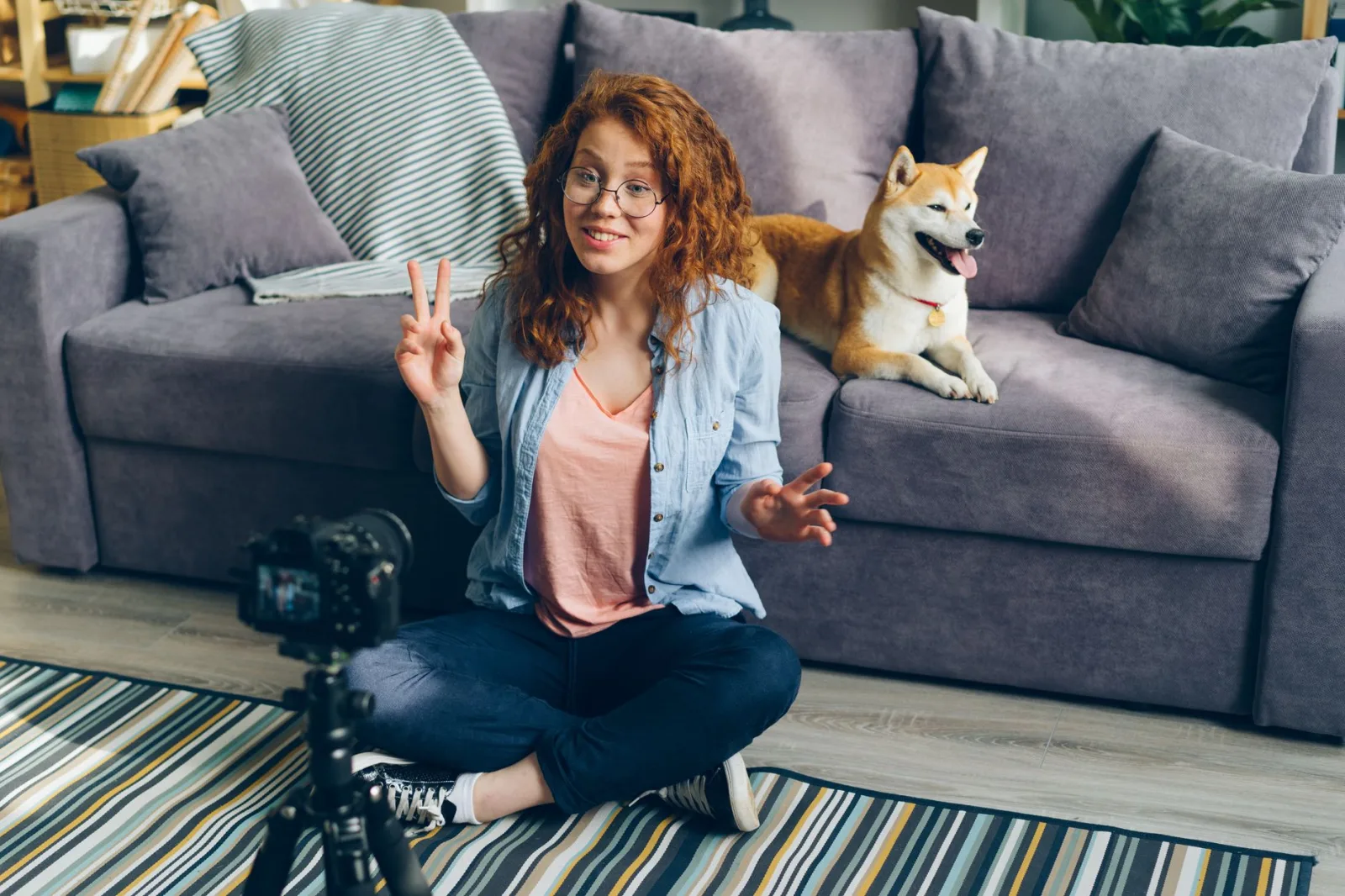
Core Editing Principles for LinkedIn Video Editing for Australian B2B Marketers
Professional video editing for LinkedIn follows three core rules: pace, clarity, and purpose. Each principle serves your ultimate goal: keeping Australian B2B viewers engaged and moving toward action.
Pace: Faster Than You Think
Australian B2B audiences have fragmented attention. Your clips should average 3-5 seconds before a cut. Long, static shots lose viewers in seconds. Pace your edits to match the energy level of your message—faster for tips and announcements, measured for serious topics like strategy or leadership insights.
Match your pacing to your background music and voiceover cadence. If your speaker talks at 150 words per minute, your visual cuts should echo that rhythm. Mismatched pace makes content feel amateurish, no matter how good your footage is.
Clarity: One Message Per Shot
Every frame should communicate one clear idea. Text overlays should reinforce, not repeat, your voiceover. Graphics should simplify, not clutter. Australian professionals respect simplicity—they're watching during lunch breaks or between meetings, not at full focus.
Use negative space generously. Don't cram logos, text, and graphics into every corner. Whitespace (or dark space) makes your actual message stand out. On mobile screens—where 68% of Australian LinkedIn viewers watch—clutter becomes illegible in seconds.
Purpose: Every Edit Serves the Goal
If a transition doesn't push the story forward, cut it. If a title card doesn't add information, remove it. Decorative editing wastes the few seconds you have to convince someone to keep watching. Australian B2B marketers judge edit decisions by ROI, not aesthetics.
Your first 4 seconds determine your entire video performance. Edit your opening to pose a question, show a result, or create curiosity—never with intros or branding.
Technical Specifications for LinkedIn Video Performance Australia
LinkedIn's algorithm favors videos that perform well across devices. Your technical specifications matter more than most marketers realize—wrong aspect ratio or bitrate tanks reach before content quality even enters the equation.
Video Format and Aspect Ratio
LinkedIn video performs best in these aspect ratios: 16:9 (desktop), 1:1 (square/feed), or 9:16 (vertical/mobile). For Australian B2B audiences specifically, 1:1 (square) posts get the most engagement because they don't auto-shrink in the feed. Your content fills the space and stops the scroll.
Vertical (9:16) performs second—increasingly important since 68% of Australian LinkedIn views happen on mobile. If your budget allows, edit a vertical version as your primary format.
| Format | Aspect Ratio | Best For | Typical Performance |
|---|---|---|---|
| Square | 1:1 | Carousel posts, maximum engagement | Highest reach, stops scroll |
| Horizontal | 16:9 | Desktop-first, webinar clips | Good on desktop, shrinks on mobile |
| Vertical | 9:16 | Mobile-native content | Excellent mobile engagement |
Resolution, Bitrate, and File Size
Upload minimum 720p resolution for LinkedIn. 1080p is the professional standard for B2B. Don't exceed 5GB file size—LinkedIn will compress aggressively and degrade quality. Target file sizes between 200MB and 1GB for optimal platform compression.
Use a constant bitrate (CBR) of 5-8 Mbps for 1080p. Variable bitrate (VBR) can cause playback issues on slower Australian connections. H.264 codec works reliably. H.265 offers better compression but has inconsistent playback across devices.
Audio Specifications
Audio quality often gets neglected—huge mistake. LinkedIn prioritizes videos with clear, professional audio. Use stereo (not mono). Target loudness of -14 LUFS to match broadcasting standards. This prevents the artificial loudness that screams 'amateur production' to Australian B2B viewers.
Include captions and a text transcript. LinkedIn's algorithm treats captioned videos as more accessible, boosting distribution. For Australian audiences, captions also matter because many watch without sound in open offices or commutes.
Best Tools for LinkedIn Video Editing
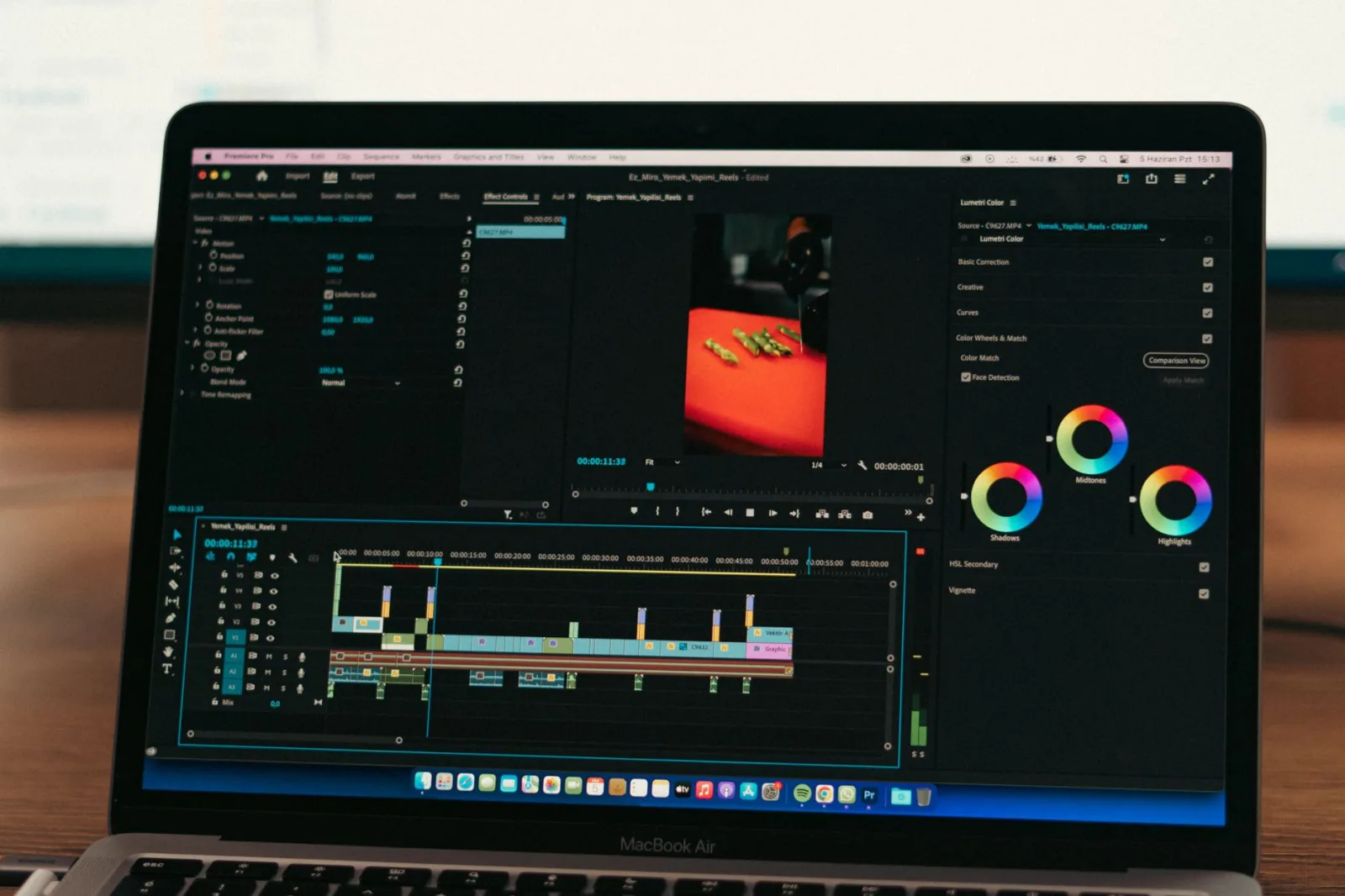
The best editing tool is the one you'll actually use consistently. A weekly video edited in CapCut outperforms a monthly masterpiece languishing in Premiere Pro.
Your tool choice depends on budget, skill level, and project complexity. Every Australian B2B marketer has different needs—here's an honest breakdown.
| Tool | Price (USD/month) | Best For | Learning Curve | Mobile Friendly |
|---|---|---|---|---|
| Adobe Premiere Pro | $55 | Complex multi-clip projects, color grading | High | Limited |
| DaVinci Resolve | Free (paid: $295 one-time) | Professional editing + color, all-in-one | Medium | No |
| Capcut | Free (premium: $5-10) | Quick edits, social-native templates | Very Low | Yes (mobile-first) |
| VivoStudio | Free (paid plans $10-30) | B2B templates, quick turnaround | Very Low | Yes |
| Adobe Premiere Rush | $10 with Creative Cloud | Social media editing, desktop + mobile | Low | Yes |
Professional-Grade: Adobe Premiere Pro & DaVinci Resolve
For complex, multi-camera B2B videos (webinars, interviews, product demos), Premiere Pro and DaVinci Resolve are industry standards. Premiere Pro integrates with After Effects for motion graphics. DaVinci Resolve's color grading tools are superior and it's free for most use cases.
Learning curve is significant—plan 20-30 hours of tutorials before producing client work. Both have Australia-based user communities with strong support. If your budget allows, invest in these tools for long-term professional output.
Fast-Turnaround: CapCut & VivoStudio
For weekly LinkedIn content, B2B-specific templates, and mobile-friendly workflows, CapCut and VivoStudio deliver professional results in 30 minutes. CapCut has exploded in popularity for short-form B2B content. VivoStudio offers pre-built templates specifically designed for LinkedIn video editing for Australian B2B marketers.
These tools won't replace Premiere Pro for complex projects, but for weekly thought leadership videos, client testimonials, and tips-based content, they're reliable and fast.
Hybrid Workflow
Many Australian B2B agencies use a hybrid approach: CapCut or VivoStudio for quick social content, DaVinci Resolve or Premiere for high-stakes brand videos. Choose based on your content calendar frequency and revision complexity, not perceived prestige.
Structuring Your Video Narrative
The best editing amplifies a strong narrative structure. Weak editing of weak content still equals weak content. Australian B2B audiences can smell a rambling video within seconds.
The Problem-Solution-Result Framework
Structure every B2B video this way: state the problem (0-5 seconds), deliver the solution (5-30 seconds), show the result or proof (30-45 seconds), and close with a clear next action (45-60 seconds). This framework works for LinkedIn video editing across all B2B verticals.
Edit each section visually distinct. Problem section: footage or graphics emphasizing the pain point. Solution: closeups, screen recordings, or demonstration. Result: metrics, testimonials, or before-after comparisons. Next action: crisp call-to-action overlay or voiceover.
Hook-Story-Ask Structure
For thought leadership and educational content, use: Hook (pose a question or surprising stat, 0-3 seconds), Story (explain your insight with examples, 3-40 seconds), Ask (invite engagement or a specific action, 40-60 seconds).
Your hook is pure editing craft. Bold text, quick cuts, unexpected visuals, or a provocative statement on-screen. This is where you convert scrollers to watchers. The story is where you deliver value. The ask is where engagement happens.
Visual Rhythm and Cuts
Synchronize your cuts to your voiceover and music. A new visual should arrive on a natural emphasis in speech or beat change in music. Unsynchronized cuts feel disjointed, even if viewers can't articulate why they stopped watching.
Vary your cut types: straight cuts (most), jump cuts (emphasis or humor), dissolves (scene transitions), and match cuts (same object in different contexts). But don't mix all four in 60 seconds—it's exhausting. Stick with straight cuts as your default, dissolves for transitions, jump cuts for specific emphasis.
- Open with a hook — question, stat, or visual surprise (0-3 seconds)
- Introduce your insight — clear statement of what viewers will learn (3-8 seconds)
- Deliver evidence — examples, graphics, testimonials, or screen recordings (8-45 seconds)
- Reinforce the takeaway — one-sentence summary of the core insight (45-50 seconds)
- Call to action — specific next step: comment, message, click link, or visit website (50-60 seconds)
Narrative Structure Checklist
- Hook viewers in the first 3 seconds or lose them
- Every clip must reinforce a single message
- Cut when your voiceover reaches emphasis points
- Close with a specific, measurable call-to-action
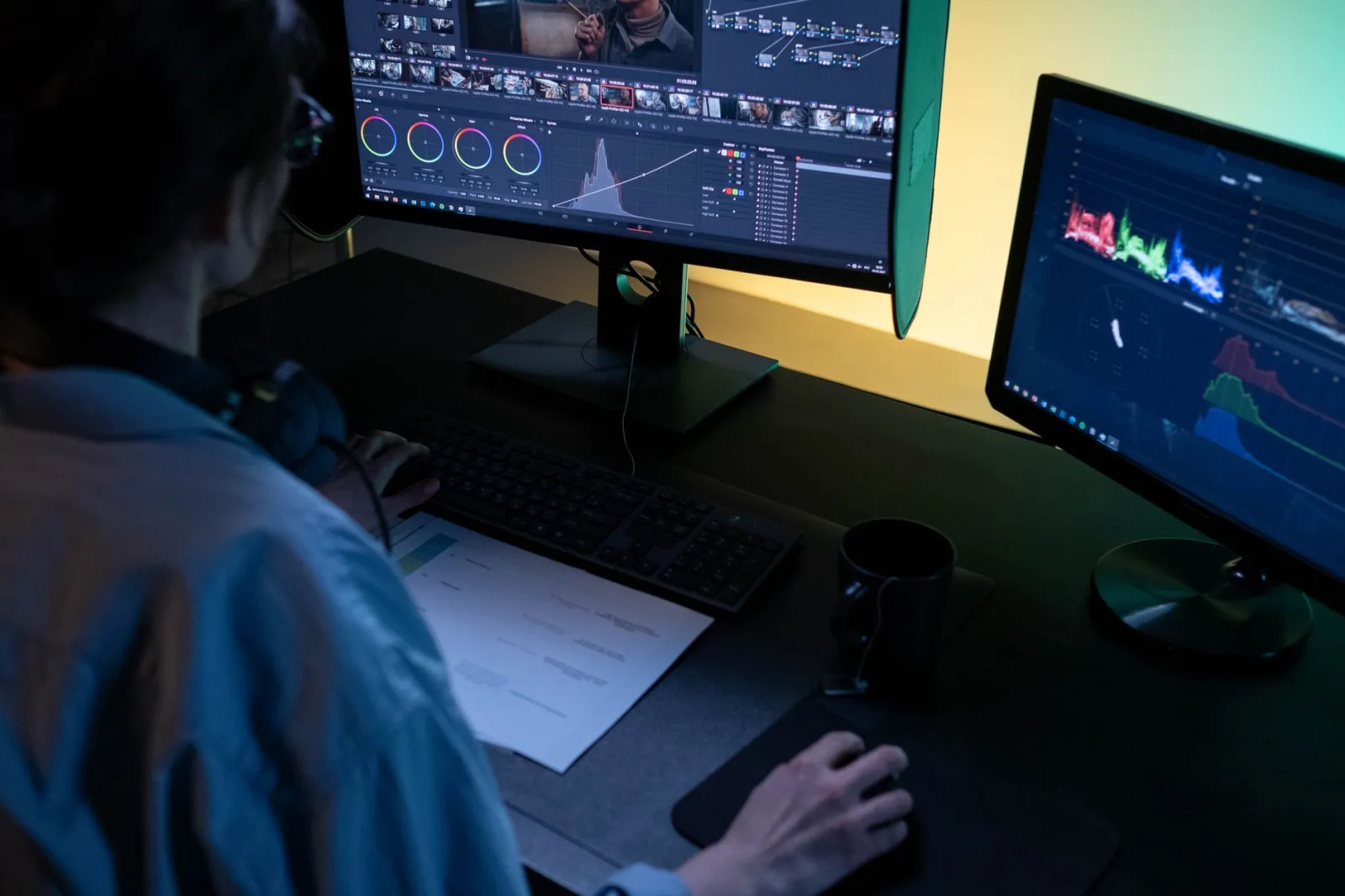
B2B-Specific Editing Strategies for LinkedIn Video Editing for Australian B2B Marketers
B2B editing differs fundamentally from B2C or entertainment editing. Australian decision-makers are watching between meetings. Your edits must be efficient, professional, and trustworthy—never flashy or distracting.
Text Overlay Strategy
Text overlays in B2B serve function, not decoration. Use them to highlight key stats, reinforce voiceover points, or simplify complex ideas. Position text in the center-lower third for mobile viewing (safe from accidental taps). Make sure text is readable at thumbnail size—most LinkedIn users see your video as a 300px square before clicking.
Avoid motion text unless it reinforces your message. Spinning, sliding, or rotating text feels unprofessional in B2B contexts. Static text with brief on-screen duration (2-3 seconds per line) reads as authoritative. Use one sans-serif font. Change color for emphasis, not style variety.
B2B-Specific Video Types and Editing
Different B2B content types require different editing approaches:
Thought Leadership: Speaker on camera with minimal graphics. Edit for authenticity—keep the natural pauses and tone. Overlay only key stats or relevant imagery. Avoid over-production; B2B audiences trust genuine expertise over polish.
Product Demos: Screen recordings with voiceover. Edit to show the before-state quickly, then jump to key features and results. Cut ruthlessly—every second not showing value is wasted. Use callout graphics on the screen to guide attention.
Webinar Clips: Extract the most valuable 60-90 second segment from a longer presentation. Add a compelling intro and close. These perform exceptionally well on LinkedIn if you identify your single-most-valuable insight.
Client Testimonials: Real client on camera (best), or edited voiceover with their name and title on-screen. Keep client B-roll behind them if possible. Avoid over-editing—testimonials with too many cuts feel inauthentic.
Educational Content: Graphics, slides, and voiceover. Text should expand on your voiceover, not repeat it. Use relevant footage or B-roll to illustrate concepts. Think 'animated article,' not 'motion graphics showcase.'
On-Brand Visual Consistency
Every video should feel like it comes from the same organization. Use consistent color grades (often one slight filter or LUT applied across all videos). Use the same font family for all text. Place your logo in the same corner every time. This consistency builds brand recognition and looks professionally managed.
Australian B2B audiences respond to restraint. Your brand colors, one complementary color for accents, and clean backgrounds. Avoid trends that'll look dated in 6 months.
Don't edit B2B video like TikTok. Australian professionals associate fast cuts, trending audio, and heavy transitions with untrustworthiness. Slow down and let your content breathe.
Common Mistakes to Avoid When Editing LinkedIn Video
Even experienced editors fall into these traps. Knowing them upfront saves you from reposting or losing reach to a poorly-edited upload.
Mistake 1: Opening with a Logo or Intro
Never spend your precious 4-second window on branding. Your logo doesn't convince anyone to keep watching. Jump directly into your hook. Place your logo at the end if needed, not at the start.
Mistake 2: No Captions or Illegible Text
68% of LinkedIn viewers watch without sound. No captions = you're speaking to a deaf audience. Use automated captions (YouTube-generated, then manually corrected) or professional caption services. Text size should be readable at thumbnail scale (test by shrinking your video to 200px width).
Mistake 3: Uneven Audio Levels
A voiceover that's too quiet, background music that overpowers the message, or jarring audio jumps between clips destroy professionalism. Normalize all audio to -14 LUFS before exporting. Test audio on phone speakers and earbuds, not studio monitors.
Mistake 4: Ignoring the First 3 Seconds
Your hook is 100% editing responsibility. If your first frame is a logo, intro title, or generic visual, viewers have already scrolled past. Edit your hook to trigger immediate curiosity or value. A bold stat, surprising image, or direct question works.
Mistake 5: Over-Editing for Engagement
Rapid cuts, heavy transitions, trending audio, and motion graphics might seem engaging, but Australian B2B audiences interpret this as desperation. Edit for clarity and confidence, not novelty. A clean, well-paced edit from 2020 outperforms a trendy disaster every time.
Mistake 6: Wrong Aspect Ratio
Uploading a 16:9 video to LinkedIn when your audience watches 9:16 on mobile wastes your reach. Know your audience and platform. For maximum Australian B2B reach, edit 1:1 (square) as your primary format.
Mistake 7: Skipping the Call-to-Action
A brilliant video that ends vaguely wastes the engagement you've built. Close with a specific, achievable ask: comment with your thoughts, message for a consultation, click the link in my bio. Passive endings get passive results.
Pre-Upload Checklist
- Is your hook within the first 3 seconds?
- Are captions accurate and readable at thumbnail size?
- Is your audio normalized and balanced?
- Does the video end with a specific call-to-action?
- Have you tested playback on a mobile phone?
Measuring Your LinkedIn Video Performance
Professional video editing for LinkedIn only matters if it moves metrics that matter to your business. Track the right KPIs, then iterate.
The Metrics That Matter
LinkedIn gives you these core metrics: views, engagement (reactions, comments, shares), shares (the highest-value metric), watch time, and click-throughs to your link. For B2B, focus on watch time (tells you if your edit kept attention) and shares (indicates your audience found it valuable enough to amplify).
Vanity metric: view count. Meaningful metric: average watch duration. A video with 500 views and 85% average watch duration beats a video with 2,000 views and 40% watch duration every time. Your editing directly influences watch duration.
| Metric | What It Means | Your Editing Impact |
|---|---|---|
| Average Watch Duration | How far viewers get, on average | High — pacing, hooks, and cuts drive this |
| Engagement Rate | Reactions, comments, shares per view | High — clear CTA and value proposition |
| Share Rate | % of viewers who share your content | High — perceived value and authority |
| Click-Through Rate | % who click your link | Medium — depends on offer + editing quality |
| View Count | Total impressions | Low — algorithmically driven, not editing-dependent |
Testing and Iteration
Edit and post one B2B video per week if possible. Track what works: Which hooks generated the highest watch duration? Did this week's client testimonial outperform last week's product demo? Were captions necessary for your audience?
Create variation: test different aspect ratios, hook styles, video lengths, and call-to-action types. After 4 weeks of consistent posting, clear patterns emerge. Double down on what works; abandon what doesn't.
The Role of digital marketing Strategy
Professional video editing is one component of video marketing success. Posting strategy, audience targeting, caption timing, and cross-platform promotion matter equally. Video editing creates the asset; strategy determines how far it travels.
If your LinkedIn video editing for Australian B2B marketers is excellent but you're posting at 2 AM to a cold audience, your metrics will reflect poor distribution, not poor editing. Evaluate editing performance within the context of your full distribution strategy.
Extending Your LinkedIn Video Editing Across Other Platforms
Your B2B video investment can work harder. Edit once, distribute to multiple platforms—but format matters.
A video perfect for LinkedIn often fails on YouTube because audiences there expect longer-form, more detailed content. YouTube viewers tolerate 10-minute videos; LinkedIn viewers scroll past anything over 90 seconds. TikTok demands rapid cuts and trends; LinkedIn punishes them.
Rather than repurposing, re-edit. Pull your strongest 60-90 second segment from a longer video and optimize it for LinkedIn. Extract a 2-3 minute educational sequence for YouTube video editing best practices. Use 15-30 second clips for TikTok video editing tips.
This is where tools like CapCut shine—you can quickly generate platform-specific edits from your master footage without starting from scratch.
For a comprehensive approach to Australian video content strategy, explore our video editing for Australian small business marketing guide. It covers broader distribution strategy beyond LinkedIn alone.
Why Professional Editing Matters for Your B2B SEO Strategy
Video content on your website or LinkedIn profile influences search rankings. Google and other search engines now favor pages with embedded video. The better your video, the longer people stay on-page, and the longer dwell time signals relevance to algorithms.
Search engines also extract captions and metadata from videos. Your professional captions—created during editing—become part of your searchable content. This is why caption quality matters beyond accessibility.
If you're optimizing for AI SEO and GEO, video content becomes increasingly important. AI Overview results on Google often feature video snippets. Professional editing with clear visuals, captions, and organized narrative structure makes your video more likely to be extracted and featured in AI-generated answers.
For Australian B2B companies targeting competitive keywords, content SEO strategy should include video as a core pillar. LinkedIn video editing for Australian B2B marketers directly supports your organic search visibility when distributed on your website or embedded in blog posts.
Mastering LinkedIn video editing for Australian B2B marketers is no longer a differentiator—it's baseline competency. Your editing quality directly determines whether your message reaches your target audience or disappears in an overcrowded feed.
The core principles are simple: pace your edits faster than you think (3-5 seconds per clip), prioritize clarity over decoration, and structure your narrative to hook in the first three seconds. Use 1:1 or 9:16 aspect ratios for maximum reach. Include captions. Close with a specific call-to-action. Measure what works and iterate weekly.
Australian B2B decision-makers respect efficiency and authenticity. Your editing should amplify these values, not undermine them with trendy effects or over-production. A clean, direct, professionally-paced video from your laptop outperforms a flashy disaster every time.
If editing isn't your expertise, that's what specialist teams are for. Professional video editing services from agencies like ithouse.tech handle the technical complexity, allowing you to focus on your message and strategy. We've edited hundreds of B2B videos for Australian companies—from thought leadership content to product demos to client testimonials—and understand exactly which editing decisions drive qualified leads.
Your next move: commit to one LinkedIn video per week for the next month. Track your metrics. Identify what works. Then double down. Professional video editing for Australian B2B markets is a long game, but the compound returns—authority, leads, credibility—make it worth the investment.